

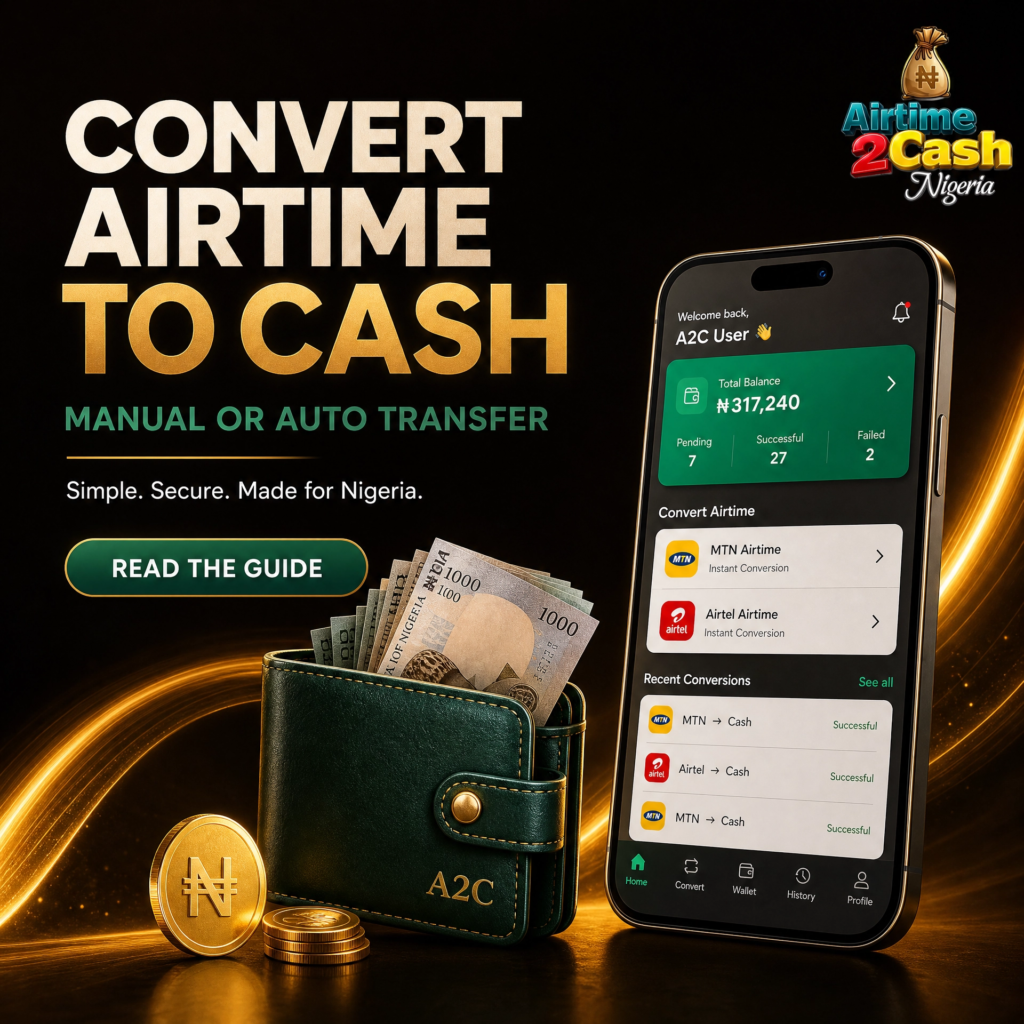
Do you have unused airtime and want to convert it to cash?
With Airtime2Cash, you can convert your airtime using either Manual Transfer or Auto Transfer.
Before you start, you must complete your KYC verification and log in to your Airtime2Cash account.
Option 1: Manual Airtime Transfer
Manual Transfer allows you to submit your request and complete the transaction with the help of an Airtime2Cash Admin/Agent.
How to Use Manual Transfer
1. Log in
Log in to your Airtime2Cash account.
2. Open Airtime to Cash
Go to Menu → Airtime to Cash.
3. Select Manual Transfer
Choose Manual Transfer.
4. Fill in the form
Select your network and enter the required details correctly.
5. Submit your request
Click Submit Conversion / Notify Admin.
6. Contact the Agent
You will be directed to WhatsApp to chat with the Admin/Agent on duty.
7. Get the airtime transfer number
The Agent will provide you with the number to send the airtime to.
8. Send the airtime
Transfer the airtime to the number provided by the Agent.
9. Send proof
Send a screenshot of the airtime transfer to the Agent on WhatsApp.
10. Receive your payment
Once the transfer is confirmed, your cash payment will be processed.
Option 2: Auto Airtime Transfer
Auto Transfer is a faster way to convert your airtime without contacting an Admin for each transaction.
Auto Transfer is currently available for MTN and Airtel only.
How to Use Auto Transfer
1. Log in
Log in to your Airtime2Cash account.
2. Open Airtime to Cash
Go to Menu → Airtime to Cash.
3. Select Auto Transfer
Choose Auto Transfer.
4. Select your network
Choose MTN or Airtel.
5. Accept the Terms & Conditions
Read and accept the Terms & Conditions.
6. Transfer the airtime
Follow the instructions on the screen and complete the airtime transfer.
7. Conversion is processed
Once the airtime transfer is confirmed, your cash conversion will be processed automatically.
Manual Transfer vs Auto Transfer
| FEATURE | MANUAL TRANSFER | AUTO TRANSFER |
|---|---|---|
| Admin/Agent contact | Required | Not required |
| Required | Not required | |
| MTN | ✅ Available | ✅ Available |
| Airtel | ✅ Available | ✅ Available |
| Glo | ✅ Available | ❌ Not currently available |
| Processing | After confirmation | Automatic |
Important
Complete your KYC verification before using Airtime2Cash.
Always enter the correct information in the conversion form.
Select the correct network.
For Manual Transfer, only send airtime to the number provided by the authorised Airtime2Cash Agent.
Keep your transfer screenshot until your transaction is completed.
For Auto Transfer, carefully follow the instructions displayed on the screen.
Auto Transfer currently supports MTN and Airtel only.
Start Your Airtime-to-Cash Conversion
Ready to convert your airtime?
Simply log in to your Airtime2Cash account, go to Menu → Airtime to Cash, and choose either Manual Transfer or Auto Transfer.
Airtime2Cash — Convert your airtime to cash with ease.